

Introduction: Why File Encryption Is Important Today
In today’s digital world, data security is no longer optional—it’s a necessity. Every day, millions of users share files online, store documents on cloud platforms, and transfer sensitive data through the internet. Without proper protection, your files can be accessed, copied, or misused by unauthorized users. This is where an Encrypt And Decrypt Files Online tool becomes essential.
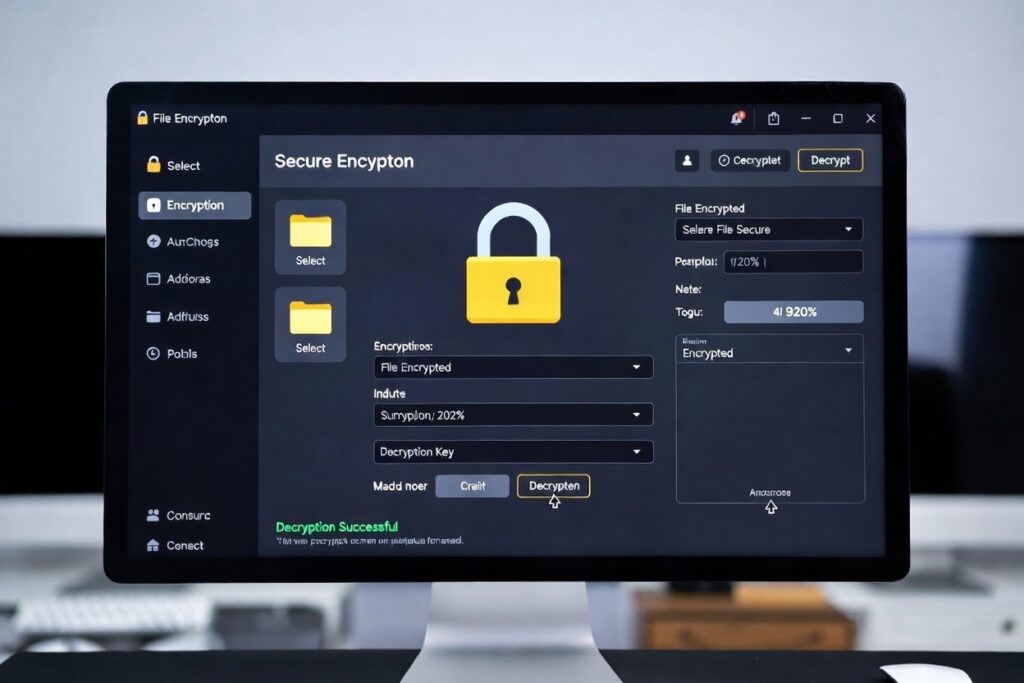
Our online Encrypt & Decrypt Files Tool allows you to securely protect your files using advanced encryption techniques. Whether you want to encrypt files before sharing or decrypt protected files safely, this tool gives you full control over your data privacy—without installing any software.
What Is File Encryption?
File encryption is a security process that converts readable data (plaintext) into an unreadable format (ciphertext). Only users with the correct password or key can decrypt the file and access its original content.
Encryption ensures that even if your file is intercepted or accessed without permission, the data remains completely secure. This is widely used for protecting personal documents, business files, financial data, and confidential information.
What Is File Decryption?
File decryption is the reverse process of encryption. It converts encrypted data back into its original readable form using the correct password or key. Our tool makes file decryption simple and safe, ensuring your data is restored accurately without corruption.
How Our Encrypt & Decrypt Files Tool Works
Our tool is designed to be simple, fast, and secure. You don’t need technical knowledge to use it.
Step-by-Step Process:
- Upload the file you want to encrypt or decrypt
- Choose your action: Encrypt or Decrypt
- Enter a strong password
- Click the process button
- Download your secured or decrypted file instantly
All processing happens securely, ensuring your files are never stored or shared.
Key Features of Encrypt & Decrypt Files Tool
🔐 Strong File Encryption
Protect your files with modern encryption standards that prevent unauthorized access.
⚡ Fast & Lightweight
Encrypt and decrypt files instantly without waiting or performance issues.
📂 Supports Multiple File Types
Encrypt documents, PDFs, images, ZIP files, videos, and more.
🧑💻 User-Friendly Interface
Simple design suitable for beginners and professionals alike.
🌐 No Software Installation
Use directly in your browser—works on mobile, tablet, and desktop.
🆓 Free to Use
No registration, no hidden charges.
Why Use Online File Encryption Instead of Software?
Traditional encryption software often requires installation, updates, and system permissions. Online file encryption tools remove these barriers and offer instant access.
Benefits of Online Encryption:
- No downloads required
- Works on any operating system
- Faster setup
- Easy for non-technical users
- Secure browser-based processing
Best Use Cases for Encrypting Files
🔒 Protect Personal Documents
Secure Aadhaar cards, PAN cards, ID proofs, resumes, and certificates.
🏢 Business & Corporate Security
Encrypt contracts, invoices, employee data, and internal reports.
☁️ Cloud Storage Safety
Encrypt files before uploading to Google Drive, Dropbox, or OneDrive.
📧 Secure File Sharing
Send encrypted files via email or messaging apps safely.
🎓 Academic & Research Data
Protect thesis papers, research files, and educational records.
How to Create a Strong Encryption Password
A strong password is crucial for effective encryption.
Tips for Strong Passwords:
- Use at least 12 characters
- Combine uppercase, lowercase, numbers, and symbols
- Avoid common words or names
- Don’t reuse passwords
Remember: If you forget your password, encrypted files cannot be recovered.
Is This File Encryption Tool Safe?
Yes, security is our top priority. Our Encrypt & Decrypt Files tool ensures:
- Files are processed securely
- No file storage on servers
- Passwords are never saved
- End-to-end data protection
Your privacy stays fully in your control.
Encrypt Files Online for Free – No Signup Required
Unlike many tools that require signups or subscriptions, our file encryption tool is completely free. You can encrypt and decrypt files without creating an account or sharing personal information.
This makes it ideal for quick, secure, and private file protection.
Supported File Formats
Our tool supports almost all file formats, including:
- DOC, DOCX
- XLS, XLSX
- PPT
- JPG, PNG, WebP
- ZIP, RAR
- MP4, MP3
- And many more
Encrypt vs Password Protect – What’s the Difference?
Password protection only restricts access at a basic level, while encryption completely transforms data into unreadable code.
| Feature | Password Protection | File Encryption |
|---|---|---|
| Data Safety | Medium | High |
| Protection Level | Basic | Advanced |
| Risk of Data Leak | Higher | Very Low |
Encryption is always the safer option.
Common Mistakes to Avoid While Encrypting Files
- Using weak passwords
- Forgetting the encryption password
- Sharing passwords through insecure channels
- Encrypting already corrupted files
Following best practices ensures maximum security.
Who Should Use This Tool?
- Students
- Freelancers
- Business owners
- Corporate teams
- Content creators
- Anyone concerned about privacy
If you handle digital files, this tool is for you.
SEO Benefits of Secure File Handling for Websites
For website owners, secure file handling improves user trust and compliance with privacy standards. Encryption tools help demonstrate commitment to data protection, which indirectly supports SEO and brand reputation.
Why Choose Our Encrypt & Decrypt Files Tool?
- High-level security
- Easy interface
- Fast performance
- Mobile-friendly design
- No registration
- 100% free
We focus on privacy, simplicity, and reliability.
Frequently Asked Questions (FAQs)
Is file encryption reversible?
Yes, using the correct password, encrypted files can be decrypted safely.
Can I recover my password?
No, for security reasons, passwords cannot be recovered.
Is there a file size limit?
The tool supports most common file sizes depending on your device and browser.
Do you store my files?
No, files are not stored or shared.
Conclusion: Secure Your Files Today
Data security is critical in a digital-first world. With our Encrypt & Decrypt Files Tool, you can protect your sensitive information quickly and easily. Whether you’re sharing files online or storing them securely, encryption ensures your data remains private.
Start encrypting your files today and take full control of your digital security.

No responses yet