

Compress pdf to 100kb
Have you ever faced frustration uploading a PDF document to a website?
Often you may discover the file size was too large.
This often occurs with online applications for government jobs and university admissions in India.
Many sites cap PDF sizes around 100 KB, so you may need to compress pdf to 100kb.
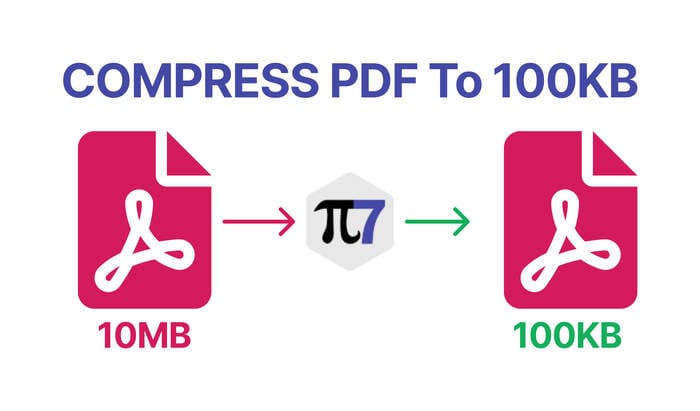
Compress PDFs to 100 KB using Pi7 PDF Compressor
This is where Pi7 PDF Compressor comes in handy! It is a free online tool that allows you to quickly and easily compress your PDF file to 100 KB. No more struggling to meet those tricky file size requirements.
How to compress a PDF file to 100 KB using Pi7 PDF Compressor (Just 3 steps!)
Upload your PDF file by clicking ‘Select File’ and choosing the document you want to compress. After you select it, you can review the preview and confirm the file details before proceeding. The tool is designed to help you compress pdf to 100kb and keep essential content intact.
Set the size to 100 KB by default, and proceed with the action to compress. Click the ‘Compress PDF’ button, and the resulting PDF will be ready for download within seconds. If you need to adjust the size later, Pi7 PDFs tools can help with that.
Key features of Pi7 PDF Compressor
Free and easy to use. No need to download software or create an account.
Simply upload your PDF file and compress it.
Precise 100KB output. Pi7 PDF Compressor ensures your compressed file is exactly 100KB. This helps meet strict upload requirements.
Fast and secure. The entire compression process happens in your web browser. It keeps your files safe at all times.
Plus, you get lightning-fast compression speeds.
Works on any device. Use Pi7 PDF Compressor on your laptop, phone, or tablet.
It works seamlessly on any device with a web browser.
User-friendly interface. No technical expertise required. Our intuitive tool is easy for anyone to use.
Peace of mind when uploading PDF files, especially for government websites.
Say goodbye to file size upload hassles with Pi7 PDF Compressor.
Whether you are applying for a government job or submitting documents to a university.
Pi7 PDF Compressor ensures your files are always the right size.
So, the next time you need to compress a PDF file to 100KB, head over to Pi7 PDF Compressor and get it done quickly, easily, and securely.
Compress PDF to other specific sizes
We offer various options to compress your PDF file to any size. Simply choose one from the list below.
20KB 25KB 30KB 40KB 50KB 150KB 200KB 250KB 300KB 400KB 500KB 1MB 2MB 3MB 4MB 5MB 10MB

No responses yet