


🎨 Color Palette Generator
Generate beautiful color palettes and tap any color to copy HEX code.
Mastering Color Palettes: The Ultimate Guide with a Free Online Generator
Choosing the right colors for a project can be one of the most exciting—and challenging—parts of the creative process. Whether you’re a web designer, a graphic artist, a developer, or a content creator, the colors you choose set the mood, communicate a message, and define the identity of your work. But what if you’re not an expert in color theory? What if you’re stuck in a creative rut, staring at a blank screen with no idea where to start?
The good news is, you don’t need to be a color expert to create a beautiful, professional-grade palette. In this comprehensive guide, we’ll dive deep into the world of color, and we’ll show you how a powerful new tool can do all the hard work for you.
The Power of a Perfect Palette: More Than Just Pretty Colors
A color palette is more than just a collection of shades; it’s the foundation of your visual design. A well-chosen palette creates harmony, evokes emotion, and makes your work memorable. Think of the iconic red and white of Coca-Cola, the cool blue of Facebook, or the vibrant rainbow of Google. These colors aren’t accidental; they are carefully chosen to reflect the brand’s values and personality.
A cohesive color scheme is critical for several reasons:
- Professionalism: It makes your website, app, or marketing materials look polished and trustworthy.
- Brand Identity: It helps people instantly recognize your brand across different platforms.
- User Experience (UX): It can guide the user’s eye, highlight important information, and make navigation intuitive.
- Consistency: It ensures a uniform look and feel across all your creative output, from a landing page to a social media graphic.
But manually building a palette can be time-consuming. You have to consider color harmony, contrast, saturation, and brightness. This is where a Color Palette Generator becomes your best friend.
Introducing the New Color Palette Generator: Your Creative Co-Pilot
Gone are the days of aimlessly scrolling through Pinterest or trying to match colors by hand. We’ve built a powerful yet simple tool to instantly generate beautiful, professional color palettes with a single click.
Our Color Palette Generator is designed to simplify your workflow and spark your creativity. It’s fast, free, and incredibly easy to use.
How to Use the Generator: A Simple Step-by-Step Guide
Using the tool is a seamless, intuitive experience. Follow these steps to get a stunning new color palette in seconds.
Step 1: Navigate to the Generator
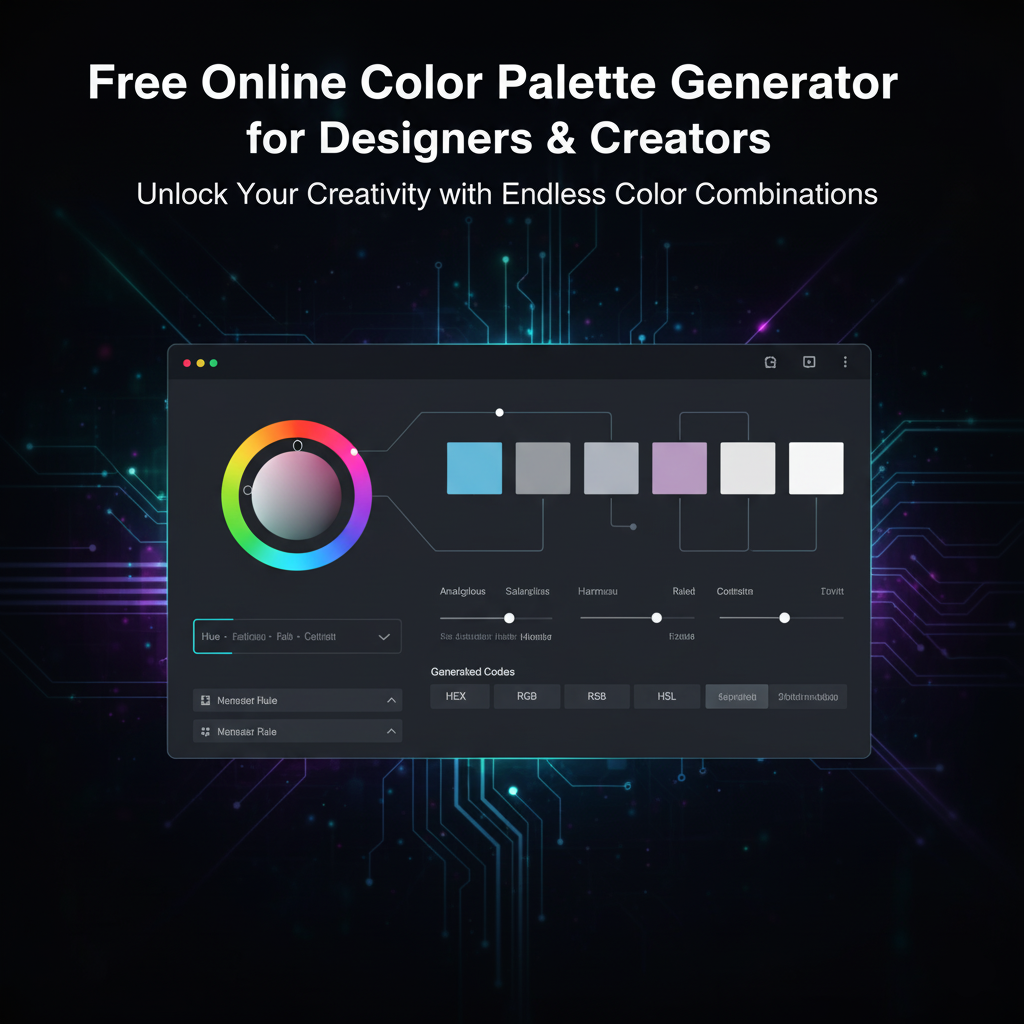
Go to the Color Palette Generator. You’ll be greeted with a clean, modern interface. The main section of the page will display a set of five color blocks, with their corresponding hex codes below them.
Step 2: Generate a New Palette
The moment you land on the page, the tool automatically generates an initial palette for you to see. To get a new one, simply click the “Generate New Palette” button. Each click will produce a completely new, harmonized set of five colors.
Step 3: Copy Your Favorite Color
Once you see a color you like, simply click on its color block. The tool is designed to be user-friendly, and a quick click will automatically copy the hex code to your clipboard. A small confirmation message will appear at the bottom of the screen, letting you know the code has been copied.
Step 4: Use the Palette in Your Project
Now you have the hex codes you need! You can paste them directly into your CSS files, design software (like Figma or Adobe XD), or any other application that uses hex codes. The simplicity of the process allows you to quickly try dozens of palettes until you find the perfect one.
This tool is a game-changer for anyone who needs to make quick, impactful design decisions. No more guesswork or time-consuming manual selection—just instant inspiration.
A Quick Primer on Color Theory: The Secret Behind the Tool
While our generator does the work for you, it’s helpful to understand the basic principles it uses to create beautiful palettes. A little bit of knowledge can help you make more informed decisions and even manually tweak a generated palette to perfection.
The Color Wheel
The color wheel is the most fundamental tool for understanding color relationships. It’s a circular chart that shows the relationships between colors. Here are a few key relationships:
- Primary Colors: Red, yellow, and blue. These are the foundation of all other colors.
- Secondary Colors: Green, orange, and purple. Created by mixing two primary colors.
- Tertiary Colors: Created by mixing a primary and a secondary color (e.g., red-orange, blue-green).
Harmony and Schemes
Harmonious colors are those that work well together. The generator applies these principles to create its palettes. Here are some of the most common color schemes:
- Monochromatic: Using different shades, tints, and tones of a single color. This creates a very clean, simple, and elegant look.
- Analogous: Using colors that are next to each other on the color wheel. This creates a calm and comfortable feel. A typical analogous palette might include blue, blue-green, and green.
- Complementary: Using colors that are directly opposite each other on the color wheel (e.g., red and green). This creates a high-contrast, dynamic look that is very visually stimulating.
- Triadic: Using three colors that are evenly spaced around the color wheel (e.g., red, yellow, and blue). This is a balanced, vibrant, and powerful color scheme.
- Split-Complementary: A variation of the complementary scheme. Instead of using the direct opposite color, you use the two colors on either side of it. This provides high contrast but with a more nuanced feel.
Our generator incorporates these and other advanced principles to ensure that every palette it produces is not just random but also visually pleasing and balanced.
Practical Tips for Using Your New Palette
Once you have a fantastic color palette, how do you put it to work? Here are some simple guidelines to help you use your new colors effectively.
The 60-30-10 Rule
This is a classic design principle that helps you balance colors in any layout. The rule suggests that you use your chosen colors in the following proportions:
- 60% Dominant Color: This is your main color, used for large surfaces like backgrounds, furniture, or large website sections.
- 30% Secondary Color: This is your supporting color, used for elements like curtains, feature walls, or content blocks.
- 10% Accent Color: This is the pop of color, used for small details, buttons, or calls to action.
By applying this rule, you can create a professional and balanced design without having to think too hard about it.
Don’t Forget About Contrast
Contrast is essential for accessibility and readability. A light text color on a light background or a dark text color on a dark background is difficult to read. Always ensure there is enough contrast between your text and its background. Our generator provides you with hex codes, which you can easily check with a free online contrast checker tool.
Think About Emotion
Each color has psychological associations and can evoke a specific emotion.
- Blue: Trust, calm, stability, and intelligence.
- Red: Passion, energy, urgency, and power.
- Yellow: Happiness, optimism, warmth, and creativity.
- Green: Nature, growth, health, and tranquility.
- Purple: Luxury, royalty, wisdom, and creativity.
By understanding these meanings, you can select a palette that not only looks good but also aligns with the message you want to convey.
Conclusion: Get Started and Unlock Your Creative Potential
Choosing colors shouldn’t be a chore. It should be a source of inspiration and creativity. Our Color Palette Generator is built to remove the frustration and give you instant, beautiful results. Whether you’re a seasoned pro or just starting your creative journey, this tool is an essential addition to your toolkit.
Don’t spend another minute staring at a blank canvas. Let our tool do the heavy lifting so you can focus on what you do best: creating.
Stop guessing. Start creating.
Click here to use the free Color Palette Generator now!
Govts.cloud Latest News