

Reduce PDF File Size
The Smart Way to Reduce PDF File Size
Effortlessly make PDF smaller and learn how to reduce PDF size without losing quality. Our powerful online PDF tool makes your documents easy to email, upload, and store.
100% Free & No Registration Required
The Hidden Costs of Large PDFs
Large files are more than an inconvenience; they are a roadblock to efficiency. This section explores the common problems caused by oversized PDFs and how they impact your workflow.
Email Attachment Limits
Managing a PDF for email attachment size is a challenge. Most services cap attachments at 25MB, forcing clunky workarounds.
Slow Speeds
Large files are time thieves. They lead to slow uploads and downloads, disrupting your workflow and frustrating recipients.
Storage Drain
Bulky PDFs quickly consume valuable hard drive and cloud storage, leading to increased costs and slower device performance.
Poor User Experience
If your website has slow-downloading PDFs, visitors will leave. It’s vital to optimize PDF for web to keep users engaged.
Negative SEO Impact
Website speed is a key ranking factor for Google. Slow resources can harm your search engine rankings and online visibility.
Mobile Accessibility
Large files are a nightmare on mobile devices, especially on limited data plans. Small files ensure your content is accessible to all.
The Science of Smart Compression
Our tool uses a combination of sophisticated techniques to intelligently decrease PDF size while preserving document quality. This section provides a simple overview of how it works.
Image Optimization
We analyze every image, applying advanced compression and downsampling to shrink size without noticeable quality loss.
Data Removal
Redundant data like embedded fonts and metadata is safely stripped away, making the file lighter and cleaner.
Structure Streamlining
The PDF’s internal structure is rebuilt to be more efficient, removing code bloat for a more compact final document.
Who Needs to Reduce PDF Size?
Wondering how to make a PDF file smaller for your specific needs? Select a profile below to see how optimizing file size can help you work smarter.
For Students
- **Submit Assignments:** Easily meet the file size limits on university portals.
- **Share Notes:** Send lecture notes and e-books to classmates without hassle.
- **Build Portfolios:** Ensure your digital portfolio for internships loads quickly for potential employers.
For Business Professionals
- **Email Proposals:** Send contracts and proposals that clients can open instantly.
- **Archive Documents:** Save significant server space and costs by archiving smaller files.
- **Share Reports:** Distribute financial reports and presentations efficiently within your team.
For Designers & Photographers
- **Send Proofs:** Share design proofs with clients for quick feedback without large downloads.
- **Online Portfolios:** Make sure your high-impact visual work isn’t slowed down by file size.
- **Client Previews:** A manageable file size ensures a smooth and professional client experience.
For Web Developers
- **Improve Site Speed:** Optimize all PDF assets (case studies, whitepapers) for faster page loads.
- **Enhance SEO:** Better site speed contributes directly to improved search engine rankings.
- **Better User Experience:** Prevent user drop-off by providing instant access to downloadable content.
Frequently Asked Questions
Have questions? We have answers. This section addresses the most common inquiries about our PDF optimization tool.
Absolutely. Security is our foundation. We use a secure SSL (HTTPS) connection for all file transfers, and your files are automatically and permanently deleted from our servers after one hour.
Our “Recommended Compression” setting is the best way to reduce PDF size without losing quality for on-screen viewing. You only risk noticeable quality loss if you use the “Extreme” setting on a document heavy with high-resolution photos.
Yes, 100%. The ImageConvertHQ PDF tool is completely free. There are no hidden fees, subscription requirements, or watermarks added to your document.
Yes! Our tool is browser-based, making it universally compatible. As long as you have a web browser and an internet connection, you can use it on Windows, Mac, Linux, iOS, Android, and any other operating system.
Tired of Large PDF Files? Reduce PDF File Size in Seconds
In today’s digital world, the PDF is king. From business reports and academic papers to design portfolios and resumes, we rely on PDFs to share information reliably. But they come with a common, frustrating problem: large file sizes. We’ve all faced the “Attachment too large” error when trying to send an important email or waited minutes for a bulky file to upload. These oversized documents don’t just waste time; they clog up storage and create a poor experience for anyone you share them with.
What if you could solve this problem in just a few clicks?

The Ultimate Solution: A Free Online PDF Compressor
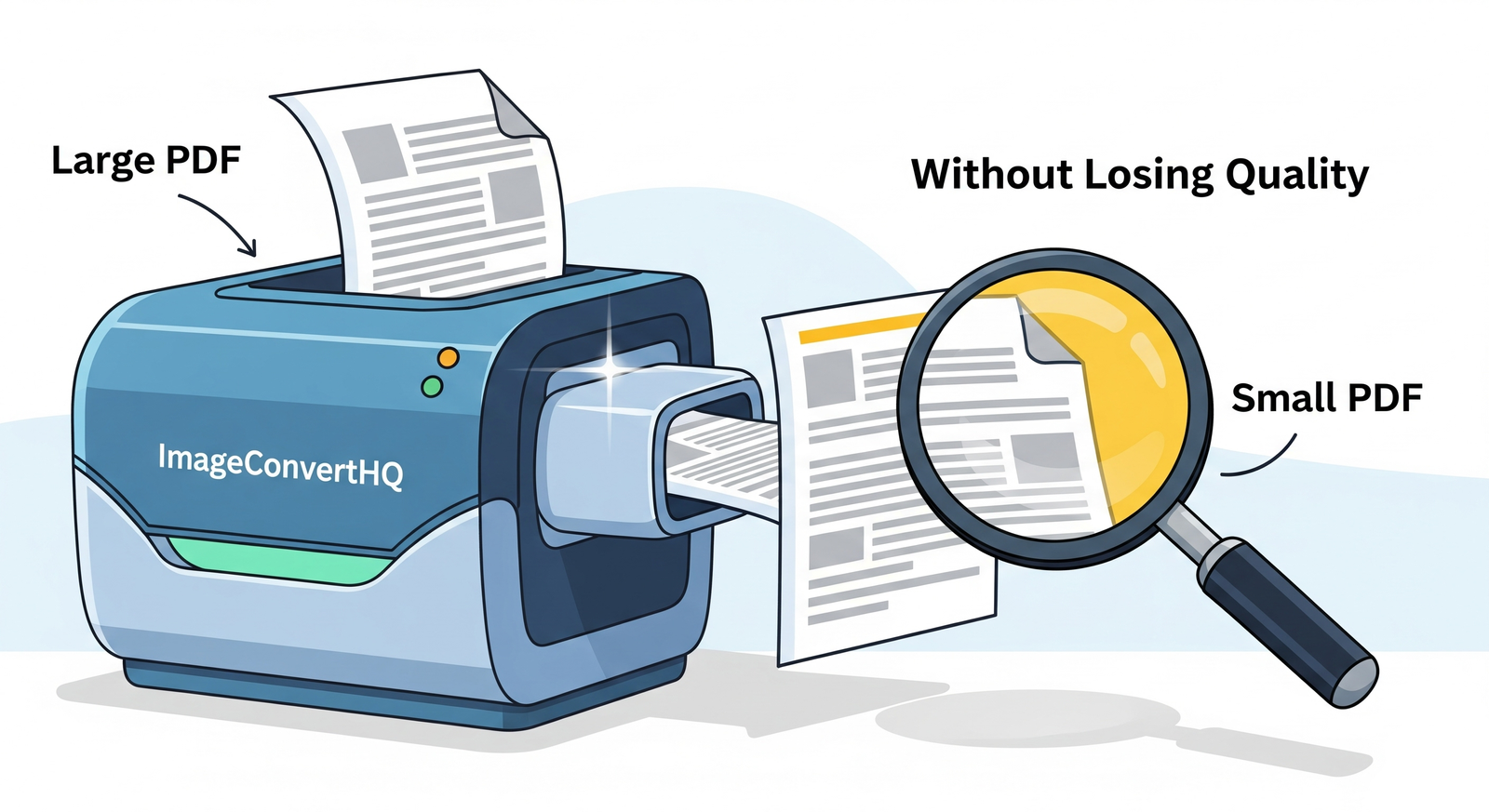
The best way to handle bulky documents is to compress PDF online. This is where the ImageConvertHQ PDF tool comes in. It’s a powerful, free, and incredibly simple solution designed to reduce PDF file size dramatically without sacrificing the quality of your document.
Whether you’re a student on a deadline, a professional sending a proposal, or just trying to clean up your digital files, our tool is built for you. You don’t need to download any software or have any technical skills. The entire process is secure, fast, and handled right in your web browser.
How to Make a PDF File Smaller in 3 Simple Steps:
- Upload Your File: Visit the ImageConvertHQ PDF Compressor and simply drag-and-drop your PDF into the upload box or select it from your device.
- Choose Your Compression: Select your desired compression level. For most users, the “Recommended” setting offers the perfect balance to reduce PDF size without losing quality.
- Download Your Optimized PDF: Click the “Compress” button and, within seconds, your new, lightweight PDF will be ready to download. You’ll even see how much space you’ve saved!
Why Choose ImageConvertHQ?
- It’s Completely Free: No subscriptions, no hidden fees, and no limits.
- It’s Secure: Your files are uploaded over an encrypted connection and automatically deleted from our servers after processing to ensure your privacy.
- It’s High-Quality: Our advanced algorithms ensure your text remains sharp and your images stay clear.
- It’s Incredibly Fast: Stop waiting for files to upload or download. Get your optimized PDF in seconds.
Stop letting large files slow you down. Reclaim your time and efficiency by making your documents easy to share, send, and store.
Ready to get started? Visit ImageConvertHQ and compress your first PDF for free!
No responses yet