


Text to HTML Converter
Convert plain text into clean HTML safely.
Unlock Seamless Web Design: Convert Text to HTML with Amazing Simplicity Today!
Are you looking to transform plain text into a structured web format quickly and efficiently? In today’s digital landscape, the need for converting simple text into Text to HTML is more common than ever, especially for content creators, developers, and anyone managing online information. This comprehensive guide will explore the power of a reliable text to HTML converter, highlighting how it can revolutionize your workflow and enhance your web presence.
Why Convert Text to HTML? The Fundamental Need Explained
The internet runs on HTML (HyperText Markup Language), the backbone of every webpage. While plain text is easy to write, it lacks the formatting, structure, and interactive elements necessary for web display. This is where the magic of converting text to HTML comes into play. By transforming raw text into HTML, you gain the ability to:
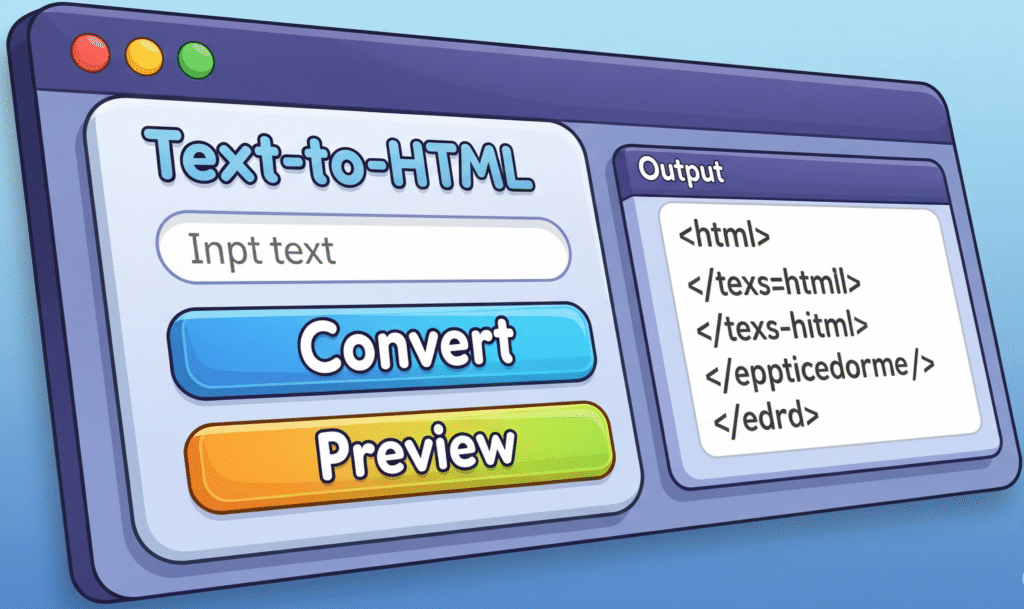
- Structure Content: Organize your information with headings (H1, H2, H3), paragraphs, lists, and tables.
- Enhance Readability: Apply bold, italics, and other styling for better visual appeal.
- Embed Media: Integrate images, videos, and audio seamlessly (e.g.,
<img src="image.jpg" alt="Text to HTML Converter">). - Create Links: Add hyperlinks to connect different pages or external resources.
- Improve SEO: Well-structured HTML is more easily crawled and indexed by search engines, boosting your visibility.
Without proper HTML conversion, your plain text remains static and unformatted on the web, significantly limiting its impact and accessibility.
The Power of a Dedicated Text to HTML Converter Tool
While manually writing HTML can be tedious and prone to errors, a dedicated text to HTML converter tool simplifies the entire process. These tools are designed to automate the conversion, saving you valuable time and ensuring accuracy.
How Does a Text to HTML Converter Work?
At its core, a text to HTML converter takes your plain text input and applies predefined rules to wrap it in appropriate HTML tags. For instance:
- New lines might become
<p>(paragraph) tags. - Bulleted lists could be converted to
<ul>(unordered list) and<li>(list item) tags. - Bold text in your input (e.g., using Markdown-like syntax or a simple bold indicator) can be translated into
<strong>or<b>tags.
The best converters offer intuitive interfaces where you simply paste your text, and with a click, receive clean, ready-to-use HTML code.
Key Benefits of Using a Text to HTML Converter
- Time Efficiency: Manual HTML coding is time-consuming. A converter generates the code instantly, allowing you to focus on content creation.
- Accuracy and Error Reduction: Human errors in coding are common. Converters eliminate syntax mistakes, ensuring valid HTML.
- No Coding Knowledge Required: You don’t need to be an HTML expert. These tools empower anyone to create web-ready content.
- Consistency: Converters ensure uniform formatting across all your converted content.
- SEO Friendliness: By generating well-structured and semantic HTML, these tools indirectly contribute to better search engine optimization. Your content becomes more discoverable when correctly tagged.
Choosing the Right Text to HTML Converter
When selecting a text to HTML converter, consider the following factors:
- Ease of Use: Is the interface intuitive? Can you quickly paste and convert?
- Conversion Quality: Does it produce clean, semantic, and valid HTML? Avoid tools that generate bloated or messy code.
- Features: Does it support various text formatting options? Can it handle special characters?
- Privacy and Security: For sensitive content, ensure the tool maintains data privacy.
- Accessibility: Is the tool available online, and can it be accessed from various devices?
A top-tier converter will provide a seamless experience, allowing you to convert your thoughts into web-ready content without any friction.
Embrace the Simplicity of Text to HTML Conversion
In conclusion, a reliable text to HTML converter is an invaluable asset in your digital toolkit. It bridges the gap between simple text and complex web formatting, making web content creation accessible to everyone. By leveraging such a tool, you not only save time but also ensure your content is presented professionally and optimally for search engines. Start transforming your plain text into beautiful, structured HTML today and unlock a world of web design possibilities!
🔧 ImageConvertHQ.com
Convert karo images jaisa chaho!
HD quality, background remover, AI enhancer aur aur bhi tools — roz naye features add hote hain!
👉 Visit karo abhi: ImageConvertHQ.com
📰 Govts.Cloud
Sarkari Job, Exam Updates, Breaking News — Sab Ek Jagah!
India ke latest govt jobs, admit cards, results aur news ke liye roz visit karo.
👉 Abhi check karo: Govts.Cloud