


Typing Speed Test
Apni typing speed aur accuracy check karein
Master the Keyboard: The Ultimate Free Typing Speed Test and Guide
Introduction: Why Typing Speed is Your Digital Superpower
In today’s fast-paced digital world, your hands are the engine of your productivity, and your keyboard is the steering wheel. From finishing school projects and writing emails to chatting with friends and coding the next big app, everything relies on how fast and accurately you can type.
If you’ve ever felt like your thoughts move faster than your fingers, it’s time to level up. Welcome to the Ultimate Free Typing Speed Test—a fun, engaging, and powerful tool designed not just to measure your performance, but to actively help you improve your WPM (Words Per Minute) score and typing accuracy.
This comprehensive guide will walk you through the science of fast typing, explain how our test works, and provide a detailed 7-step plan to help you double your current typing speed. Are you ready to transform your keyboard skills?
1. The Real-World Value of High WPM Scores
Typing fast is more than just a party trick; it’s a critical skill that impacts every aspect of modern life. Understanding its value is the first step toward motivation.
1.1 Saving Time: The Exponential Effect
The average person types around 40 WPM. If you increase that to 80 WPM, you are essentially cutting your typing time in half. Over a year, this time saving can add up to hundreds of hours that you can redirect towards creative projects, studying, or relaxing. Every keystroke saved is a moment earned.
- For Students: Completing research papers, essays, and notes faster, leaving more time for revision and deeper learning.
- For Professionals: Responding to emails, drafting reports, and coding becomes seamless, boosting efficiency and giving you a competitive edge.
1.2 Minimizing Distractions and Boosting Focus
When you type slowly, your brain constantly shifts focus between your thoughts, your fingers, and the screen. This fragmented attention breaks your flow. High speed typing, especially touch typing, allows your thoughts to flow directly onto the screen without interruption. Your fingers simply follow the mental command, leading to better concentration and deeper focus on the content itself.
1.3 Improving Accuracy and Reducing Errors
It might seem counterintuitive, but learning to type faster actually improves your accuracy over time. As you build muscle memory through consistent practice, your fingers know exactly where to go without conscious effort. This reduction in cognitive load leads to fewer mistakes and less time spent correcting errors.
2. Introducing the Free 60-Second Typing Speed Challenge
Our Typing Speed Challenge is engineered to be the most effective and visually appealing tool for practice. We’ve focused on a clean, high-contrast interface and precise metrics.
2.1 The Dark Mode Advantage
You’ll notice our signature Dark Grey and Electric Blue theme. This isn’t just for aesthetics. A dark theme significantly reduces eye strain, especially during long practice sessions, allowing you to focus purely on the text without the glare of a bright white screen.
2.2 The 60-Second Standard
The test uses a 60-second timer—the industry standard for typing evaluations. This short, intense burst of typing is perfect for measuring true speed under pressure and is ideal for daily, quick practice sessions. You can fit a full practice session into a short break between classes or before starting your homework.
2.3 Key Features to Track Your Progress
Our test provides instant, real-time feedback through three main metrics displayed prominently at the top:
- Time Left (बाकी समय): A clear countdown, keeping the pressure on to simulate real-world deadlines.
- WPM (Words Per Minute): Your gross speed, calculated instantly as you type.
- Accuracy (सटीकता): The percentage of characters typed correctly compared to the total characters typed, highlighted in a bright Teal Green for immediate visibility.
3. The Metrics Explained: WPM and Accuracy Deep Dive
To achieve high scores, you must first understand how your performance is measured.
3.1 What Exactly is WPM? (The Formula)
WPM is calculated based on Correct Characters Per Minute (CCPM). Since an average English word is considered to be 5 characters long (including the space after it), the formula is simple:WPM=5Correctly Typed Characters×Time Elapsed in Seconds60
- Example: If you type 250 correct characters in 60 seconds, your WPM is: (250/5)×(60/60)=50 WPM.
3.2 Gross WPM vs. Net WPM
While our tool focuses on the core metric (gross WPM based on all correct characters), it’s important to know the difference:
- Gross WPM: Total words typed (correct or incorrect) divided by time.
- Net WPM: Correct words typed divided by time. This is often calculated by subtracting penalties for errors. Our tool’s primary focus is on accuracy, using the correctness of the character to highlight errors instantly, encouraging you to fix them immediately, which naturally leads to a higher Net WPM.
3.3 Why Accuracy is More Important Than Speed
A score of 95 WPM with 80% accuracy is far less valuable than 60 WPM with 98% accuracy. If you make too many mistakes, you spend more time going back and deleting characters. This is where our tool’s visual feedback is crucial:
- Green Text (✓): Shows perfectly typed characters.
- Red Highlight (×): Instantly shows a mistake, training your brain to notice and avoid that specific error pattern.
Your Goal: Always aim for 95% accuracy or higher. Once you hit that threshold, then focus on increasing your speed.
4. The Science of Typing: Developing Muscle Memory
You don’t type fast by thinking; you type fast by training your hands. This is called muscle memory.
4.1 The Touch Typing Foundation
Touch typing means using all ten fingers and placing them on the home row (ASDF and JKL;) without looking at the keyboard. This skill is foundational.
- Never Look Down: Train yourself to keep your eyes on the screen or the target text. Looking down breaks your rhythm and ruins your speed.
- Assign Fingers: Every key on the keyboard has a “home finger.” Learning this map is non-negotiable for serious improvement. For example, your index fingers control a large portion of the keys, while your pinkies handle Shift, Enter, and the outer keys.
4.2 Perfect Posture and Ergonomics
Bad posture can lead to strain, fatigue, and poor performance. Setting up your typing environment correctly is part of the practice.
- Chair Height: Sit with your feet flat on the floor and your thighs parallel to the ground.
- Elbow Angle: Keep your elbows bent at a comfortable, open angle (around 90 to 110 degrees).
- Monitor Position: The top of your screen should be at or slightly below eye level to prevent neck strain.
- Wrist Position: Your wrists should be flat and straight, not bent up or down. Use a wrist rest only during breaks, not while actively typing.
4.3 The Power of Rhythm and Consistency
Fast typing is more like drumming or playing the piano than it is like punching individual buttons. Rhythm is the secret.
- Maintain a Steady Beat: Try to hit the keys at a steady, even pace. Don’t rush through easy words only to stumble on harder ones.
- Practice Short Bursts: Use the 60-second test multiple times a day. Short, frequent sessions (three to five tests) are far more effective than one long, tiring session. Consistency is the key to muscle memory.
5. Advanced Strategies for Breaking WPM Plateaus
You’ve hit 60 WPM, but now you’re stuck. How do you push past that plateau and reach 80 or even 100 WPM?
5.1 Focus on Prediction, Not Character-by-Character
Beginners read one character, type it, and then read the next. Experts look ahead. Try to read the entire word, or even the next two words, before your fingers start typing the first one. This technique is called chunking or look-ahead. It gives your brain a chance to plan the entire sequence of keystrokes in advance, eliminating pauses.
5.2 Conquer Your Weakest Keys
Every typist has a few keys or specific letter combinations (like th, ing, or ed) that cause them to slow down.
- Identify: Use the error feedback in our tool to identify which letters or combinations you frequently mistype (the red highlights).
- Isolate and Drill: Practice typing those specific combinations slowly and deliberately ten times. Once perfected, integrate them back into the full-speed test.
5.3 Mind the Backspace Key
The backspace key is your biggest enemy to speed. While it’s necessary for learning, relying on it too much ruins your flow and dramatically reduces your net WPM.
- Accept Errors (Temporarily): In some practice runs, try to ignore minor errors and keep moving forward. This trains your brain to prioritize rhythm and flow over immediate correction, which builds speed. You can return to focus on accuracy later, but getting comfortable with continuous typing is vital for speed gains.
5.4 Train in Silence
Sometimes, background noise or even music can interfere with your typing rhythm. Practice occasionally in a quiet environment. This allows you to pay closer attention to the tactile and auditory feedback of the keys themselves, reinforcing the muscle memory without external distraction.
6. How Our Tool’s Design Enhances Your Learning
Every element of our Typing Speed Challenge is designed with modern learning principles in mind.
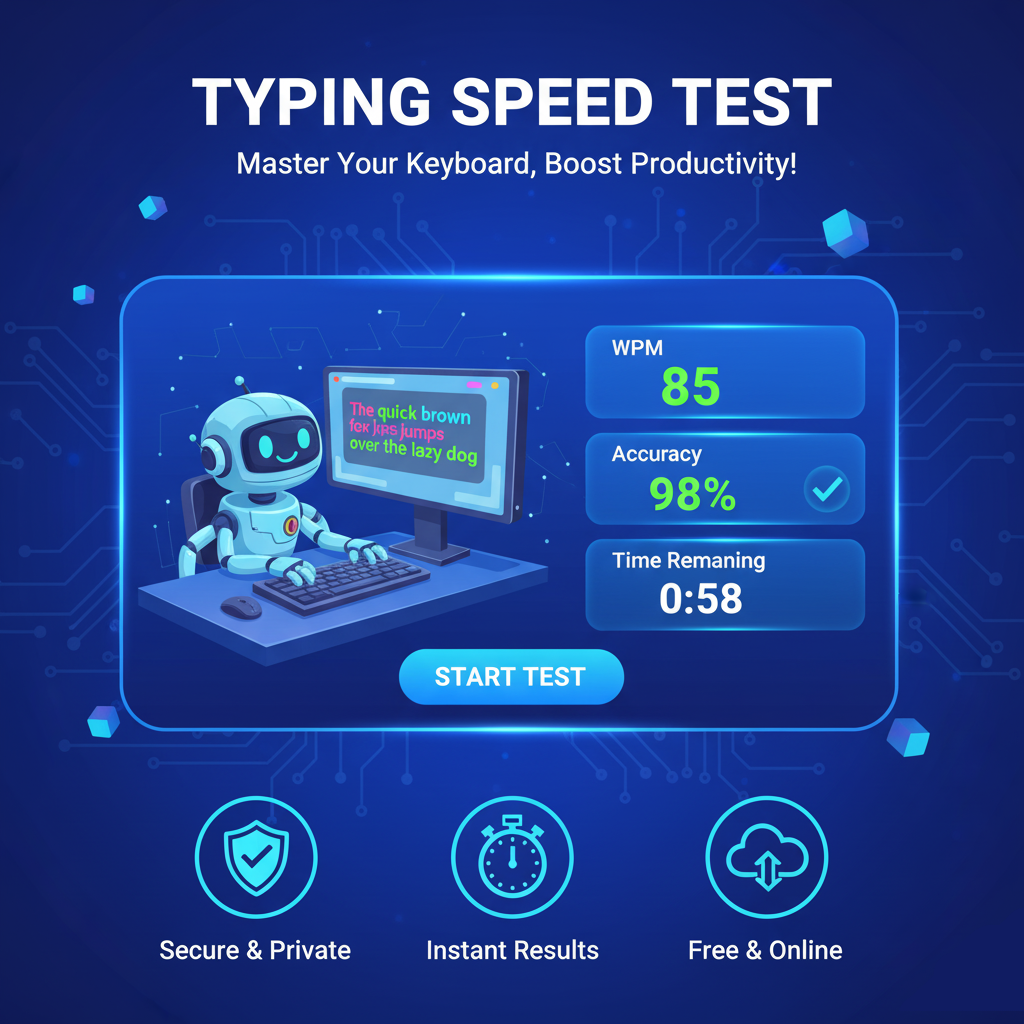
6.1 Instant Visual Feedback and Highlighting
The text box is the heart of the experience.
- Active Cursor: The blinking Electric Blue cursor marks your precise position, ensuring you know exactly which character to type next.
- Error Correction: The Red highlight on a mistyped character is instant and immediate. This feedback loop is essential for learning; it tells your brain right now what went wrong, making the correction and avoidance of the mistake permanent.
- Correct Pacing: The Teal Green correct text provides positive reinforcement, encouraging you to maintain your momentum.
6.2 Focused Word List
The word list in our test is a balanced mix of common English words and slightly longer, more complex terms. This ensures:
- High Frequency Practice: You practice the most common words (like ‘the’, ‘and’, ‘is’) which form the bulk of all typing.
- Challenge: You encounter words like ‘programming’, ‘development’, and ‘technology’ to ensure you are ready for real-world school and work documents.
6.3 Final Results Summary
The Final Results panel, which pops up when the 60 seconds are over, provides a clean summary of your:
- Final WPM (Your key takeaway score).
- Accuracy Percentage (The quality of your typing).
This summary allows you to quickly log your performance and set a clear goal for your next attempt, keeping your motivation high.
7. Troubleshooting and Getting Started (FAQs)
7.1 What should I do if I keep making mistakes?
Stop focusing on speed! Slow down until you can consistently hit 98% accuracy. Once you have mastery over the keys, the speed will come naturally. Remember, slow and accurate practice builds good habits; fast and inaccurate practice only reinforces mistakes.
7.2 My speed is stuck at 40 WPM. Is that normal?
Yes, hitting plateaus is normal. It means your old habits have reached their peak efficiency. To break the 40 WPM barrier:
- Switch your practice time: If you usually practice for 20 minutes, break it into four 5-minute sessions throughout the day.
- Change your focus: For one week, only focus on not using the backspace key. Your accuracy might drop, but your rhythm will improve dramatically, which will unlock higher speeds later.
7.3 Do I need a special keyboard?
No. While mechanical keyboards can feel good, they don’t magically improve your speed. Any standard desktop or laptop keyboard is perfectly fine. Focus your energy on technique, not equipment.
Start Your Typing Journey Today!
Your keyboard is waiting, and your next high score is just a click away. Whether you aim to be a 100 WPM professional or simply want to type homework faster, consistent practice with a reliable tool like ours is the only way to get there.
The Free Typing Speed Test is always here—ready to measure, teach, and motivate you.
Don’t wait! Hit the “Start Typing” button now, and begin your journey to keyboard mastery.